
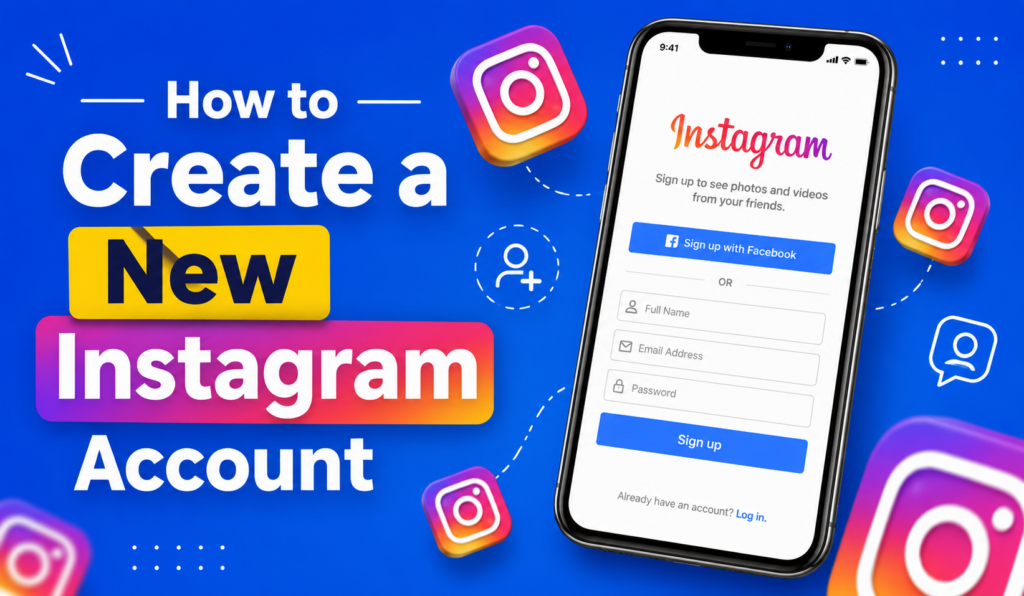
So, you’ve decided it’s finally time to join the fun, and honestly, there’s no better time to start than right now. Maybe your friends keep sharing memes and stories you can’t see because you don’t have a profile yet, or maybe you’ve been dreaming about starting a small business page to sell your products and reach new customers. Whatever your reason, learning the basics of instagram sign up is much easier than most people expect, even if you’ve never created a social media account in your entire life. In this guide, I’ll walk you through everything from start to finish, one simple step at a time, using plain language anyone can follow. There’s no confusing tech jargon here, no complicated menus, and no guesswork involved. Just clear, friendly directions you can follow right now, at your own pace, from your phone or computer. By the end, you’ll have a brand-new profile ready to explore.
Why So Many People Want to Get Instagram
Instagram isn’t just an app anymore. It’s where people shop, follow their favorite creators, promote small businesses, and stay in touch with family across the world. If you’ve been asking yourself how to get instagram set up on your phone or computer, you’re definitely not alone. Millions of new users join every single month.
Some people want a personal page to share photos with friends. Others want a business profile to sell products. And some just want to browse and see what everyone’s talking about. Whatever your reason, the process of instagram create account setup is the same easy path for everyone.
What You Need Before You Sign Up for Instagram
Before we jump into the steps, let’s cover the basics you’ll need. Having these ready makes the whole process go much faster.
| What You Need | Why You Need It |
| A valid email address or phone number | Used to verify your identity and recover your account later |
| A device (phone, tablet, or computer) | Download the app or visit the website. |
| A username idea | This becomes your public Instagram handle |
| A strong password | Keeps your account safe from hackers |
| A profile photo (optional but recommended) | Helps friends and followers recognize you |
Once you have these ready, creating new ig account setup takes less than five minutes.
How to Create a New Instagram Account
This is the big question most people search for, so let’s answer it clearly. Whether you’re on a phone or a laptop, the steps for how to create a new instagram account are almost identical. I’ll break it down into simple stages so nothing feels overwhelming.
Step 1: Download or Open Instagram
If you’re on a phone, go to your app store (Google Play or the Apple App Store) and search for Instagram. Tap install, wait a few seconds, and open the app once it’s done. If you’d rather use a computer, keep reading, because I’ll cover the instagram sign up website method a little later in this article.
Step 2: Choose Your Sign Up Method
When you open the app, you’ll see two choices: sign up with a phone number or email, or sign up using an existing Facebook account. Most people prefer using email or phone because it keeps things separate and simple. Tap “Create New Account” to begin the instagram sign up process.
Step 3: Enter Your Details
Now you’ll type in your name, email, and a password. Make sure your password is strong.Use a mix of uppercase and lowercase letters, numbers, and one or two symbols. This one step makes a huge difference in keeping your account safe later on.
Step 4: Create Your Instagram Handle
Here’s where create ig account setup gets fun. Instagram will suggest a username based on your name, but you can change it to anything available. Try to keep it short, memorable, and easy to spell. Avoid too many numbers or symbols since they make your handle harder for people to find and remember.
Step 5: Add a Profile Photo and Bio
This step is optional, but it helps your new page feel complete. Upload a clear photo of yourself or your brand logo, then write a short bio describing who you are or what your business does. You can always change this later, so don’t stress over getting it perfect right away.
And that’s it. You’ve just finished the entire process of how to make a new instagram account, from download to your very first post-ready profile.
How to Make a New Instagram Account on Desktop
Not everyone wants to use a phone, and that’s perfectly fine. If you’re wondering about the instagram sign up website, here’s how it works.
Open your browser and go to instagram.com. You’ll see a sign-up box right on the homepage. Enter your mobile number or email, full name, username, and password. Click “Sign Up” and follow the same verification steps you’d see on mobile. The desktop version has slightly fewer design tools compared to the app, but it’s a solid option if you don’t want to download anything yet.
This method works great for make new instagram account setups when you’re at work or using a shared family computer.
How Do I Activate My IG Account After Signing Up
After you finish signing up, Instagram usually asks you to confirm your email address or phone number. This is where a lot of people get stuck, so let’s clear it up.
Check your email inbox (and spam folder, just in case) for a confirmation code.Enter the code when the app or website asks for it..If you signed up with a phone number instead, you’ll get a text message with a similar code. Once you enter it correctly, your account becomes fully active, and you can start following people, posting photos, and exploring the app.
If you don’t see the code within a few minutes, tap “Resend Code” and check your spam folder again before trying a different email address.
What Is an Instagram ID and Why Does It Matter
A lot of new users ask, “what is a instagram id?” Simply put, your Instagram ID is a unique number assigned to your account behind the scenes. It’s different from your username, which you can change anytime. Your ID stays the same forever, even if you update your handle a dozen times.
Why does this matter? Businesses and developers sometimes use your Instagram ID to connect apps, run ads, or manage social media tools. As a regular user, you probably won’t need to worry about it much, but it’s good to know it exists.
How to Write an Instagram Handle That Stands Out
Your username is one of the first things people notice, so let’s talk about how to make it count. When thinking about how to write an instagram handle, keep these tips in mind:
- Keep it short. Long usernames are hard to remember and type.
- Avoid confusing spelling. If your name has a tricky spelling, consider a simpler version.
- Use underscores instead of numbers when possible. Numbers can make a handle look less professional.
- Match your handle across platforms if you use other social media, like TikTok or Twitter. This helps people find you more easily across different platforms.
- If your business name is taken, add a short word like “official” or your city name.
A clean, simple handle makes your new insta account look more trustworthy and easier to search for.
Personal vs Business: Which Instagram Profile Should You Make
Comparing Personal and Business Accounts
| Feature | Personal Account | Business Account |
| Best for | Friends, family, casual sharing | Brands, creators, online sellers |
| Analytics | Not available | Full insights on followers and posts |
| Contact button | Not shown | Displays email, phone, or address |
| Ads | Cannot run ads | Can run paid promotions |
| Switching | Can convert anytime | Can switch back to personal anytime |
If you’re not sure which one fits you, start with a personal profile. You can always switch later through your settings without losing your followers or photos.
How to Add a New User to an Instagram Account or Switch Accounts
Sometimes people manage more than one page, like a personal profile and a business page. Instagram makes this simple. Go to your profile, tap the menu icon, then select “Add Account.” You can log in with a different email or create a brand-new profile from scratch.
If you’re wondering about add user to instagram account access for a team member, Instagram Business accounts let you assign roles through Meta Business Suite. This way, multiple people can help manage posts, messages, and comments without sharing the main password.
Common Problems When Registering IG Accounts and How to Fix Them
Even though the process is simple, you may still face a few issues.Here are common issues people run into during register ig attempts, along with quick fixes.
Problem: Username already taken. Try adding a period, underscore, or short word to your desired name.
Problem: Verification code not arriving. Double-check your email or phone number for typos, then request a new code.
Problem: Account disabled during sign up. This sometimes happens if Instagram suspects automated sign-ups. Try again using a different network or wait a few hours before retrying.
Problem: App won’t load after sign up. Restart your device, then update the app to the latest version through your app store.
These small fixes solve most problems people face during instagram account creating, so don’t panic if something doesn’t work on the first try.
Tips for a Strong New Insta Account
Once your profile is live, here are a few things to do early on that make a real difference:
- Follow a handful of accounts you actually care about, so your feed feels relevant right away.
- Turn on two-factor authentication for extra security.
- Write a short, honest bio instead of leaving it blank.
- Post your first photo soon after signing up. Empty profiles look less trustworthy to other users.
- Explore privacy settings to decide if you want a public or private account.
Taking these steps early sets a strong foundation for your create new ig profile journey.
Frequently Asked Questions
How do I get an Instagram account?
Download the app or visit the website, tap sign up, enter your details, and confirm your email or phone number.
How do you make an Instagram profile without a phone number?
You can use an email address instead. Instagram only requires one method of contact, not both.
How do I join Instagram if I already have a Facebook account?
You can tap “Log in with Facebook” during sign up, and Instagram will pull some basic details automatically to speed things up.
How to setup an Instagram account for a business?
Create a normal profile first, then go to settings and switch to a professional or business account.
Can I create more than one Instagram account with the same email?
No, each account generally needs a separate email or phone number, though you can link multiple accounts to one device.
Final Thoughts
Learning how to create an instagram account really doesn’t take much time once you know the steps. Grab your email or phone number, pick a solid username, and follow the sign-up screen at your own pace. Within minutes, you’ll have a brand-new profile ready for your first post.
Whether you’re building a personal page to share memories or launching a business account to grow your brand, the process stays simple and beginner friendly. Take your time with your bio and photo, and don’t worry about making everything perfect on day one. You can always update your profile later as you get more comfortable with the app.